Streamline your course infrastructure. Deploy VMs instantly, manage student access, and scale your curriculum with enterprise-grade virtualization.
Created at Indiana Tech to solve real classroom challenges

Indiana Tech Cyber Warriors Team Lieutenant | Unix Lead | Offensive Security Co-Lead

Windows Lead & Offensive Security Specialist | RA College Student | Aspiring Cyber Security Professional
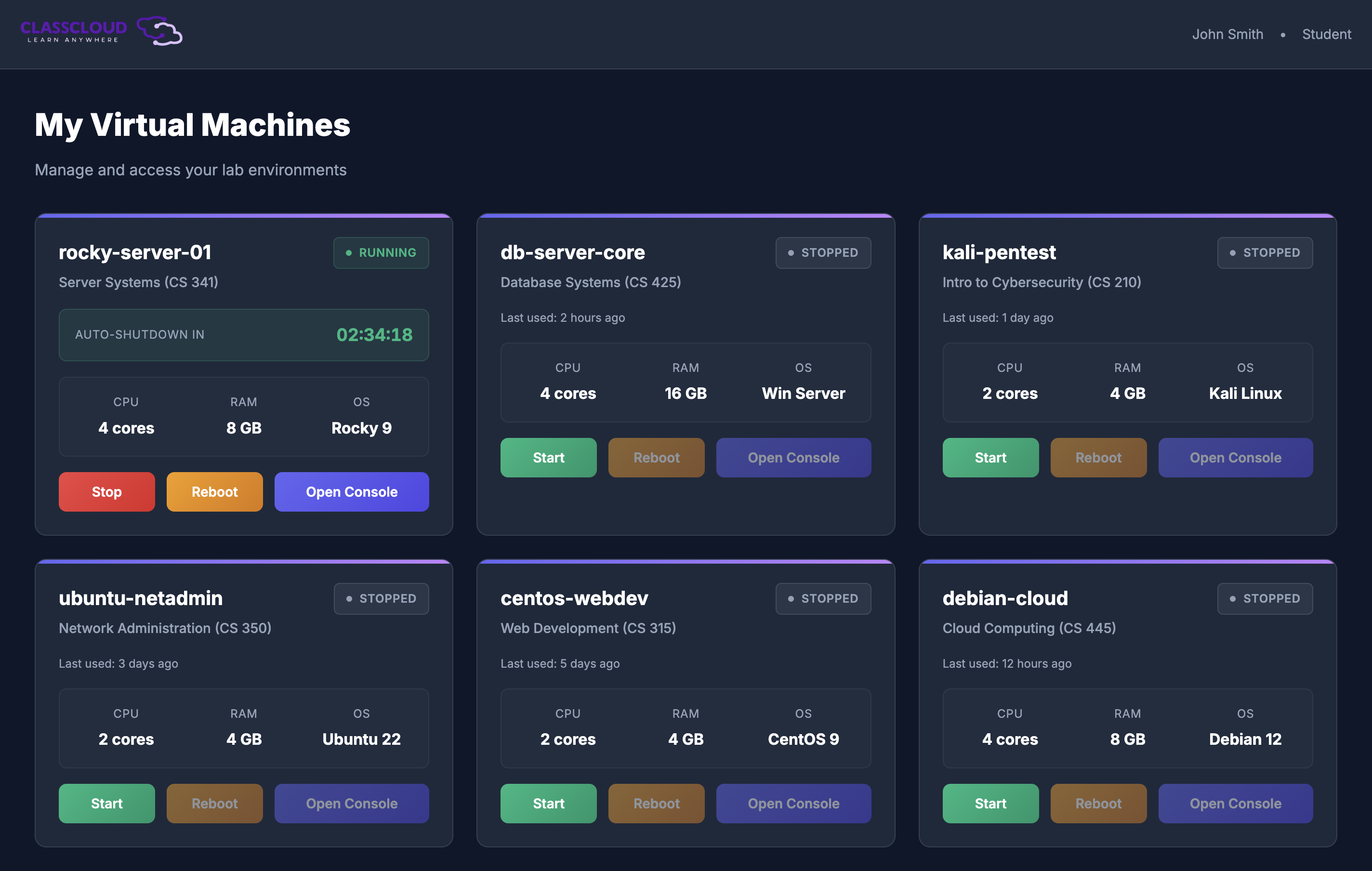
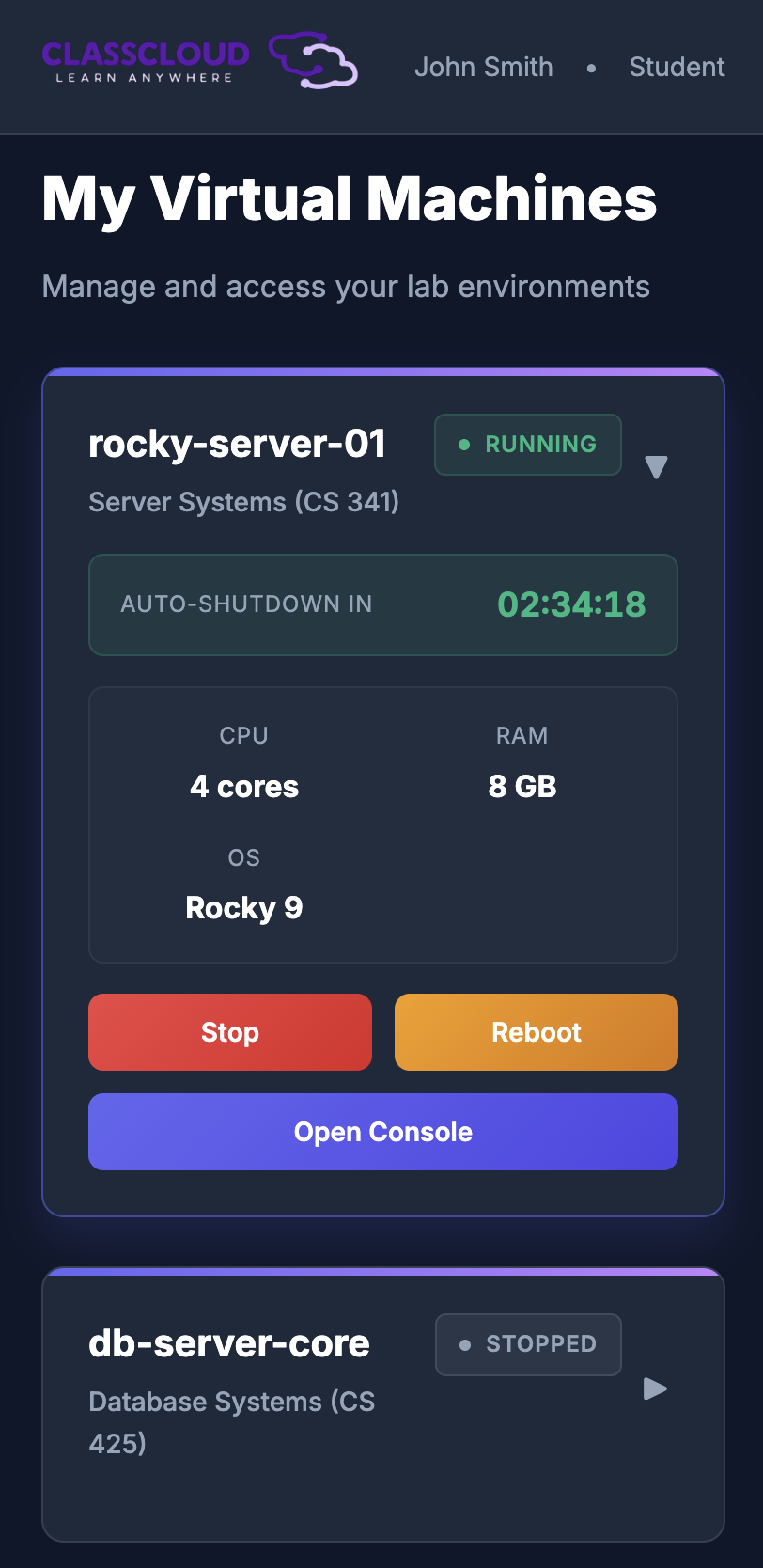
ClassCloud is a comprehensive virtual machine provisioning and management platform that enables educators to deploy, manage, and scale lab environments instantly. Students access their VMs through a browser-based console with zero local setup required.
Everything you need to run modern virtual labs at scale
Deploy virtual machines in seconds, not hours. Automated template-based provisioning ensures consistent environments every time.
No VPN or local software required. Students access their VMs directly through their web browser with our integrated Apache Guacamole console.
Organize students by course, manage enrollments, and provision VMs in bulk. Support for multiple professors per course.
Role-based access control, SSO integration (SAML/CAS/OAuth), encrypted credentials, and comprehensive audit logging.
Track VM status, resource usage, and student activity. Automatic health checks and notifications for system events.
Built on Proxmox VE for reliable, production-grade virtualization. Automated template cloning and resource management.
Tools for educators to manage and students to learn
Built with security at every layer
SAML 2.0, CAS, and Microsoft OAuth support
Granular permissions for all user types
All data encrypted at rest and in transit
Comprehensive activity and action logs
VMs run on isolated networks
Secure sessions with automatic timeouts
.svg)